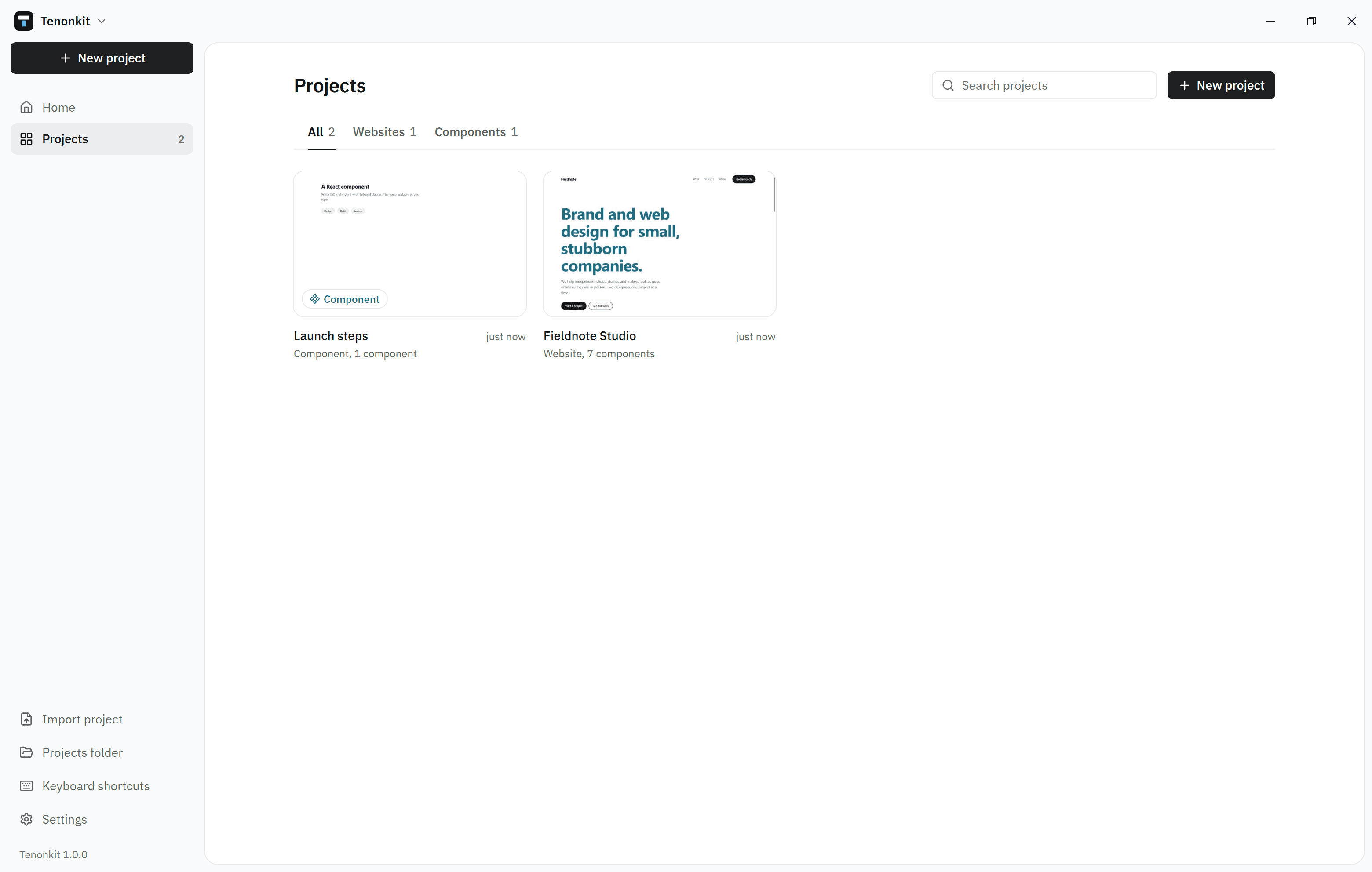
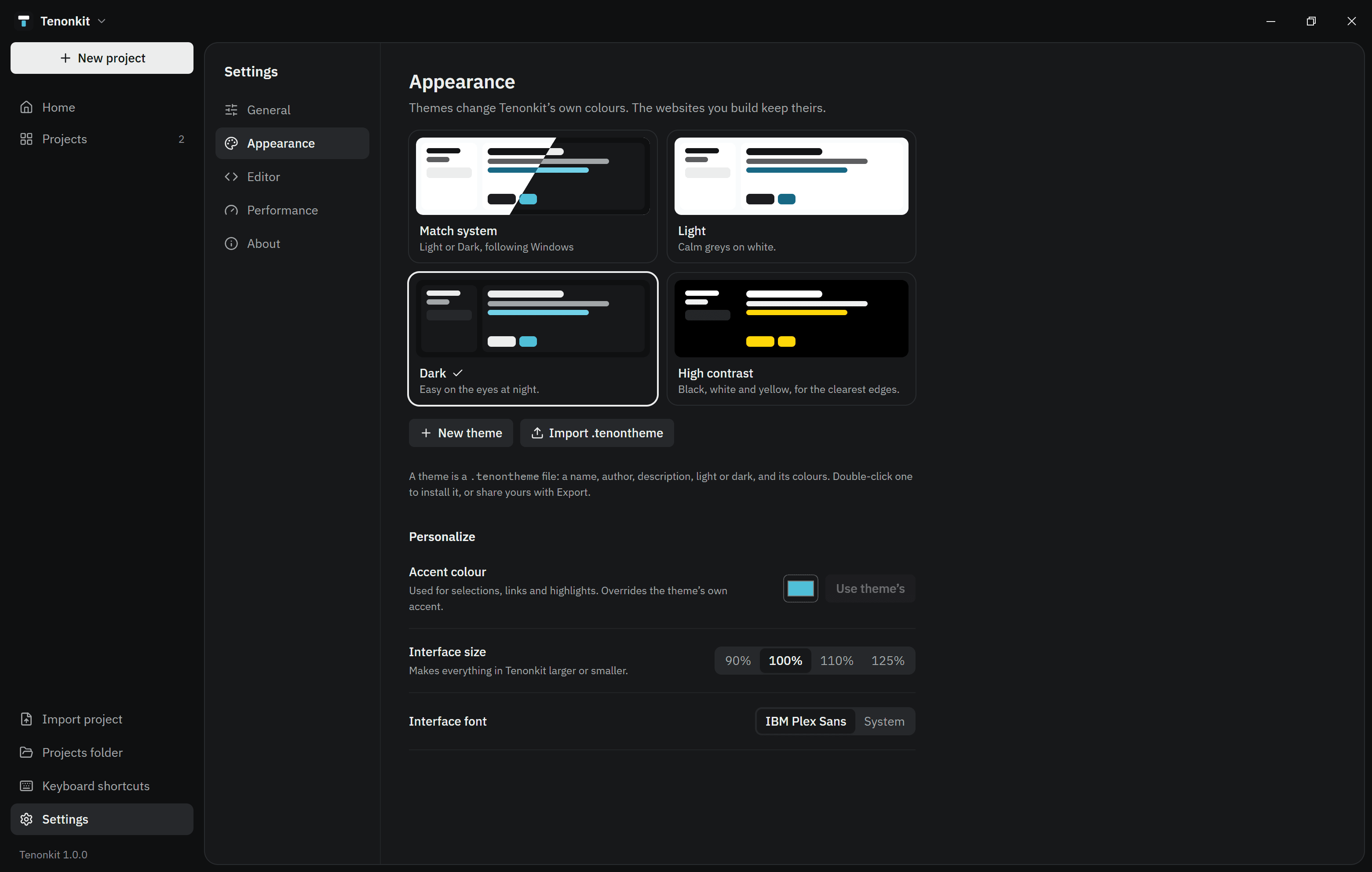
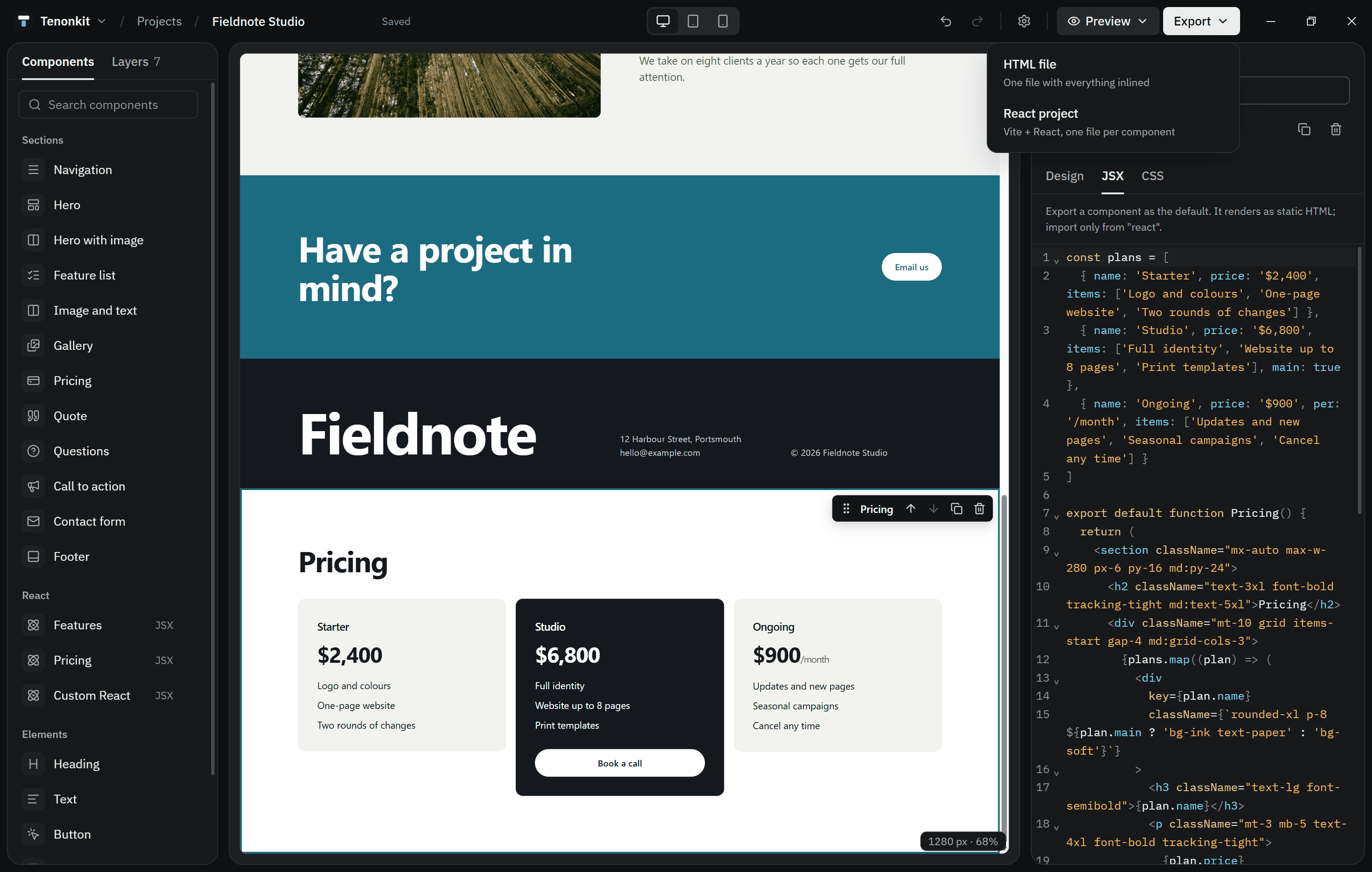
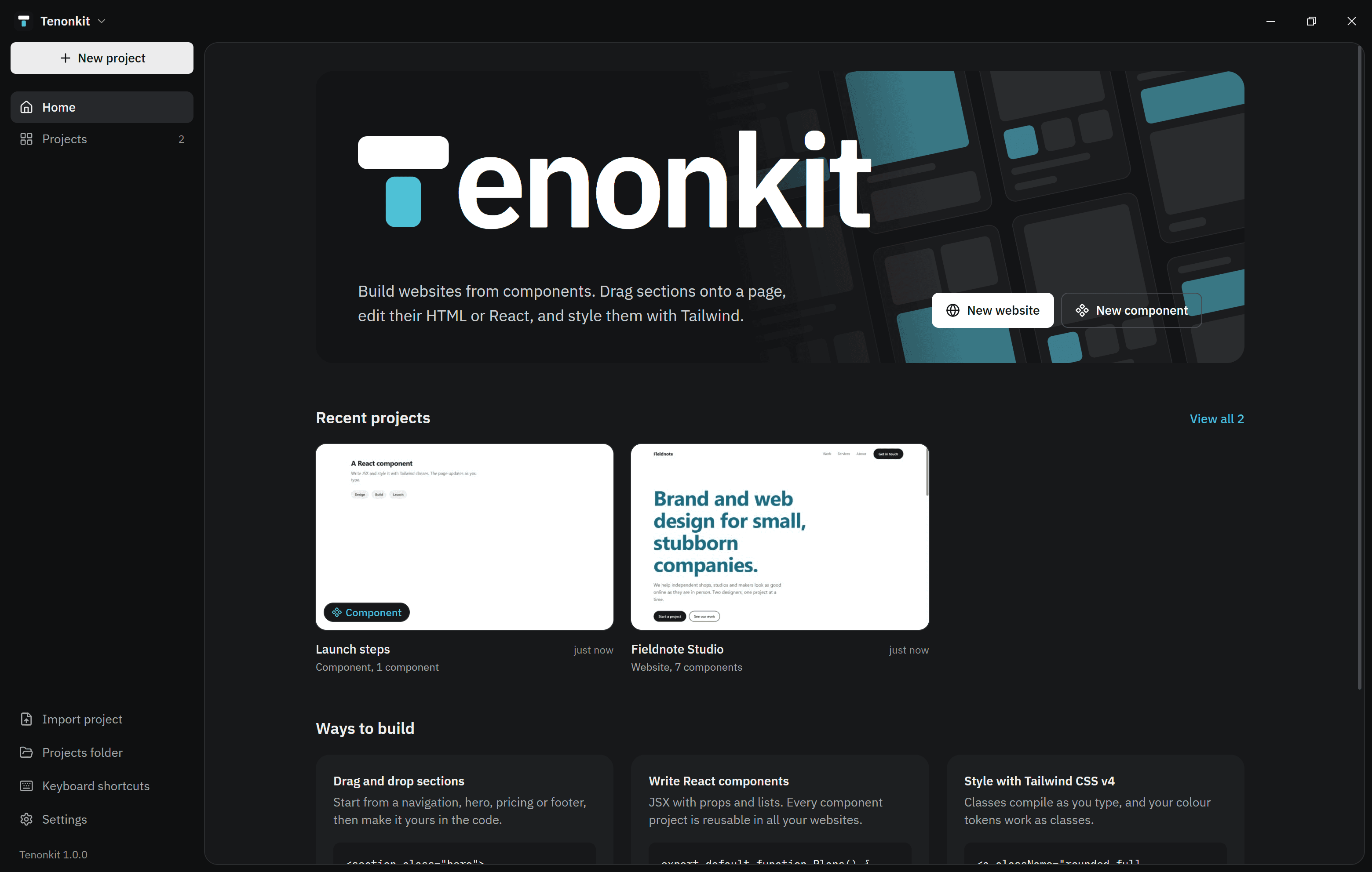
Download Tenonkit for Windows
A desktop app for building websites from components. Version 1.0.0, for Windows 10 and 11. One installer, no account needed.
System requirements
- Windows 10 or 11, 64-bit
- About 375 MB of disk space once installed
- No internet connection needed to build. Tenonkit checks for updates when it can.
Mac and Linux versions are planned.
Install
- Open Tenonkit-1.0.0-setup.exe from your downloads.
- Keep the suggested folder, or choose your own. Shortcuts go on the desktop and in the Start menu.
- Tenonkit opens when setup finishes. Choose New project, or open a .tenon file you already have.
New to Tenonkit? The quickstart walks you through your first website.
If Windows warns you
Windows SmartScreen may say it doesn’t recognise the app, because new installers start without a reputation. Choose More info, check the file name, then Run anyway. To be sure the file is ours, check its checksum below.
Verify the download
In PowerShell, run Get-FileHash Tenonkit-1.0.0-setup.exe. The SHA-256 hash should be:
50e8e0c05cce55a7f4f5d973282a00e8daa3521f8f704545de17c6c4ce0965b2Updates and uninstalling
When it starts, Tenonkit checks for a newer version and offers to install it. That check is the only thing it sends; see Privacy.
To uninstall, use Apps in Windows Settings. Your projects and themes stay in %APPDATA%\Tenonkit in case you come back.