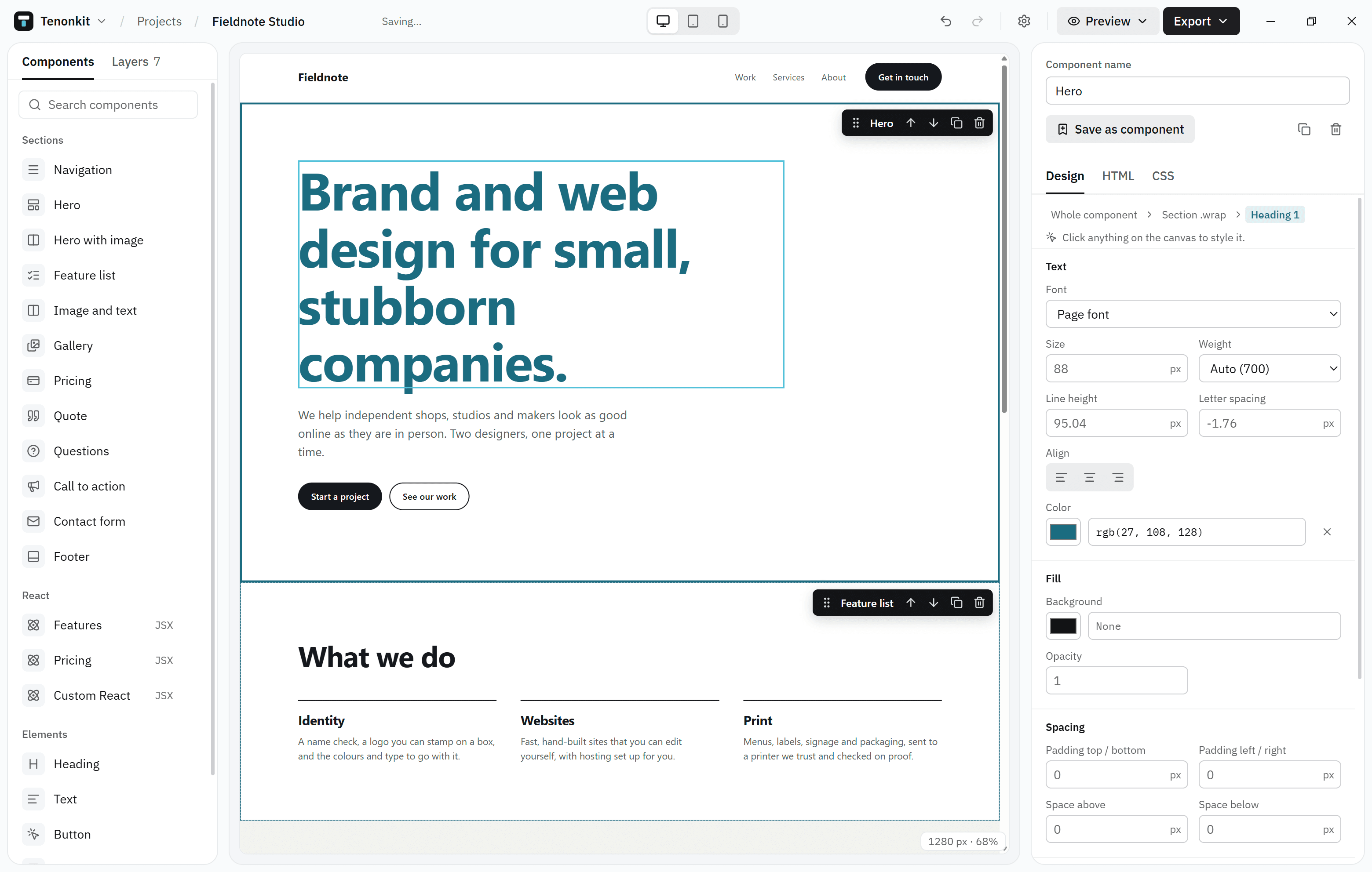
You build a page by dropping in components: a hero, a pricing table, a footer. Change them with the Design tab, or open their HTML, JSX and CSS and edit the code directly. When you’re done, export one HTML file or a React project.
Start here
InstallationDownload the installer and get Tenonkit running on Windows.QuickstartBuild and export your first page in five minutes.The Design tabChange fonts, colours and spacing without writing code.ExportingGet a single HTML file or a Vite React project.
Everything stays local
Tenonkit needs no account and no cloud. Your projects are files on your computer, and the only thing the app sends on its own is a check for updates. Mortise, the optional AI mode, is the one part that needs an account. See Privacy for the details.