Select a component and click anything inside it on the canvas: a heading, a button, an image. The Design tab lets you change its font, size, weight, colours, spacing, corners and border. Empty fields show the current value in grey.
It writes real CSS
Each change goes into a marked section of that component’s CSS tab, which you can read and edit by hand:
CSS
/* @design: written by the Design panel. Safe to edit by hand. */
& > section.wrap > h1 { color: rgb(27, 108, 128); font-size: 72px; }
/* @end design */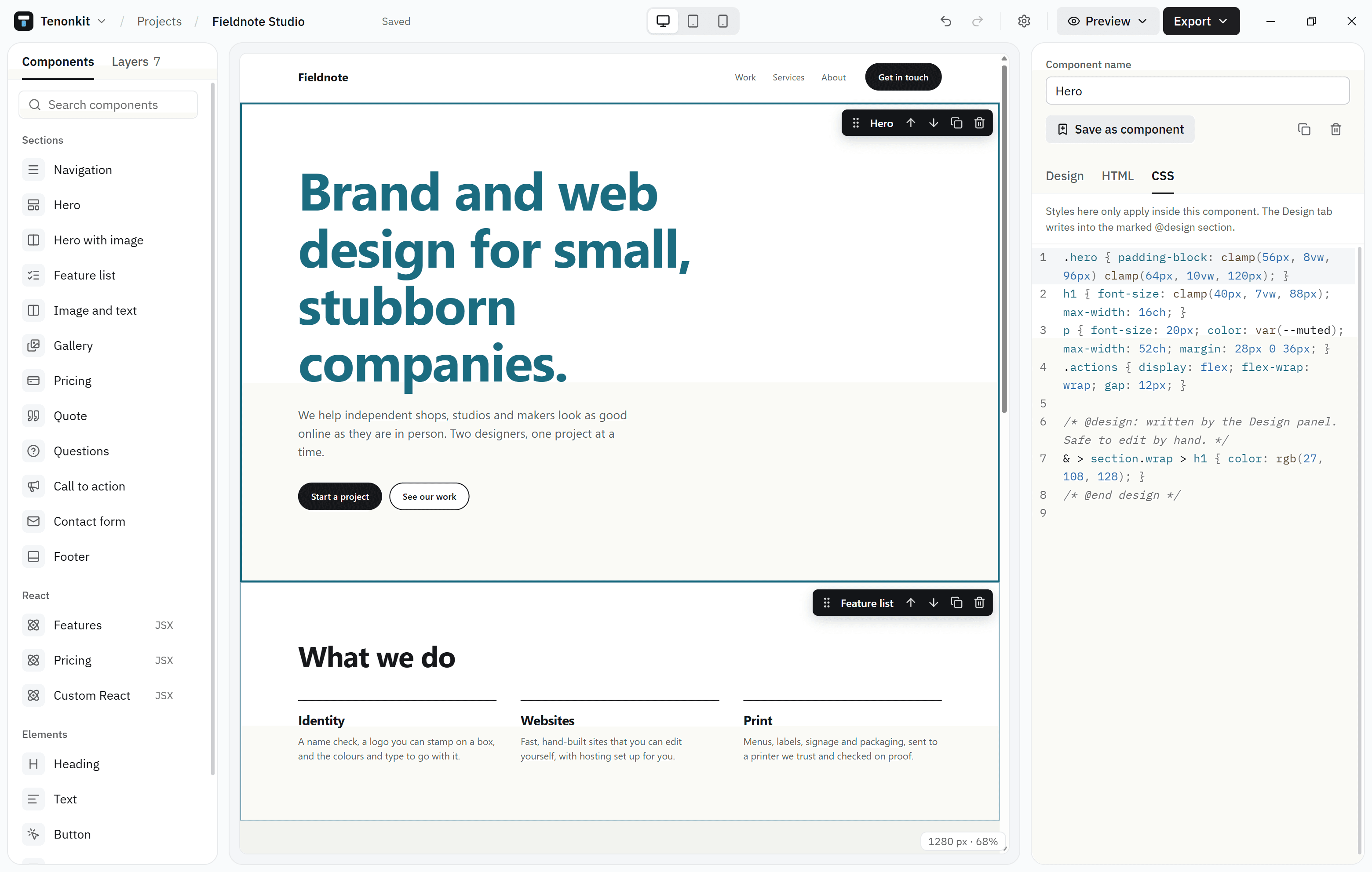
When the code changes
If you change the code so a styled element no longer exists, the Design tab tells you and offers to remove its styles.
Page-wide styles
With nothing selected, the Design tab edits the colours and font every component shares.