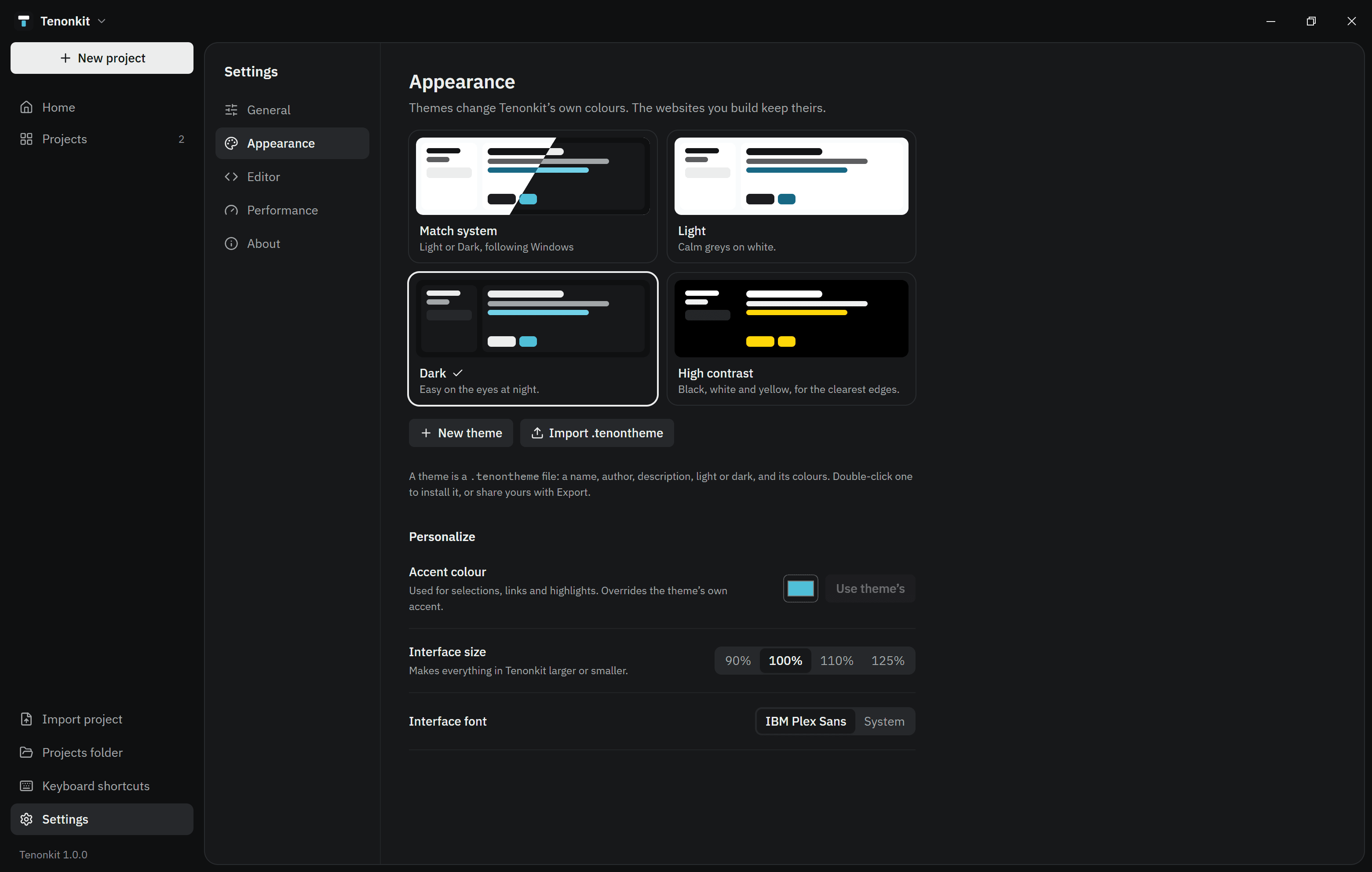
Under Settings → Appearance pick Light, Dark, High contrast or Match system, or make your own theme. Themes change Tenonkit’s colours, not your websites.
Theme files
A theme is a .tenontheme file you can share. Double-click one to install it. Any colour it leaves out comes from the light or dark base:
Ocean.tenontheme
{
  "format": "tenonkit-theme",
  "version": 1,
  "name": "Ocean",
  "author": "You",
  "description": "Deep blue",
  "appearance": "dark",
  "colors": { "ground": "#0b1a2a", "surface": "#10243a", "accent": "#4fc1d6" }
}