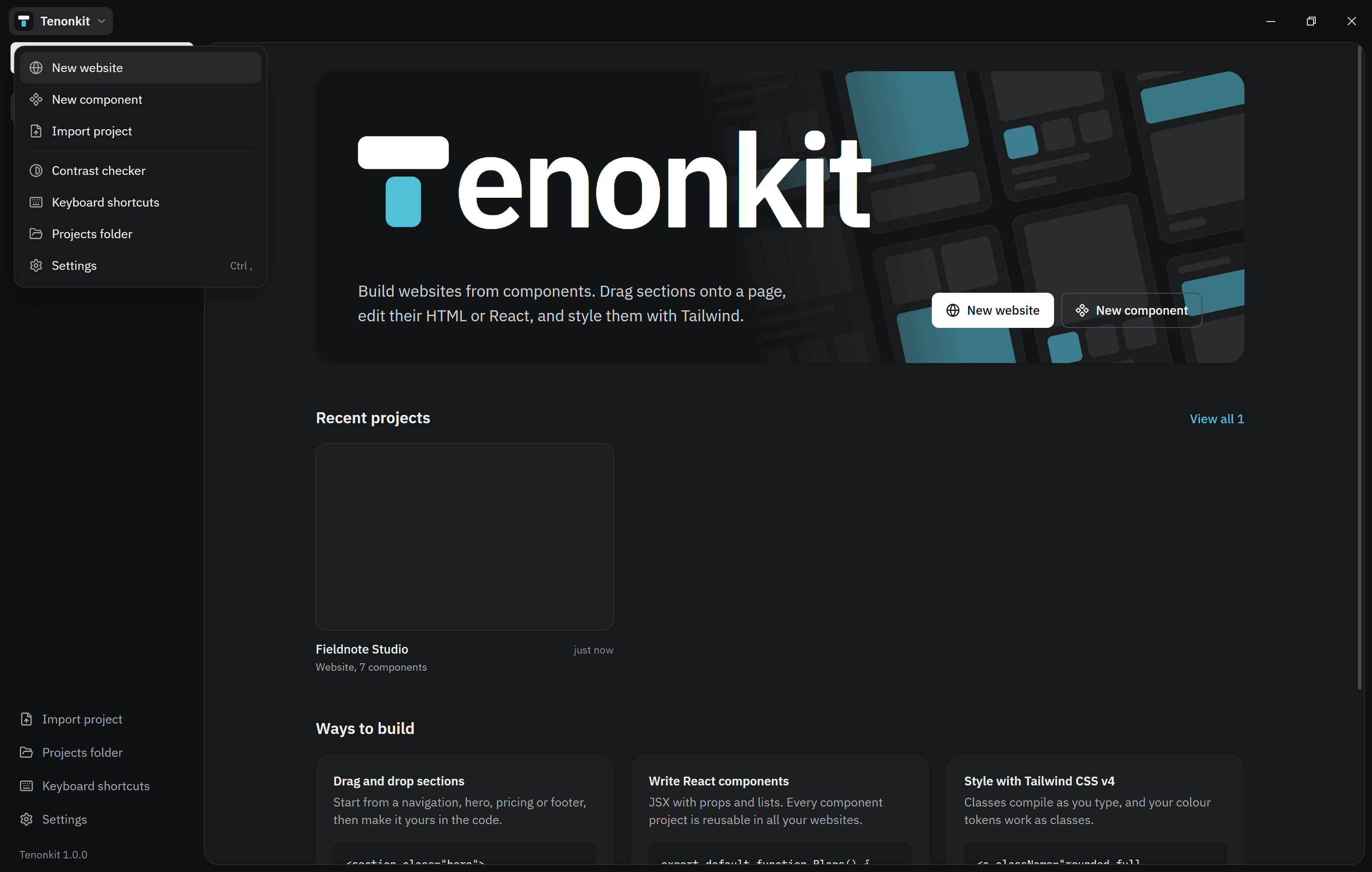
Open Settings from the sidebar on Home, or with Ctrl , inside a project.
Performance
If Tenonkit feels slow, Settings → Performance → Use light settings turns off animations and project previews, and updates the canvas when you pause typing instead of on every key.
The tools menu
Click the logo next to Projects in the editor for quick tools.